
Elevate Your Business
AI at Your Service
No complex setup. No wasted time. Discover how Deskbay automates the creation and management of your restaurant profile in 10 simple steps.
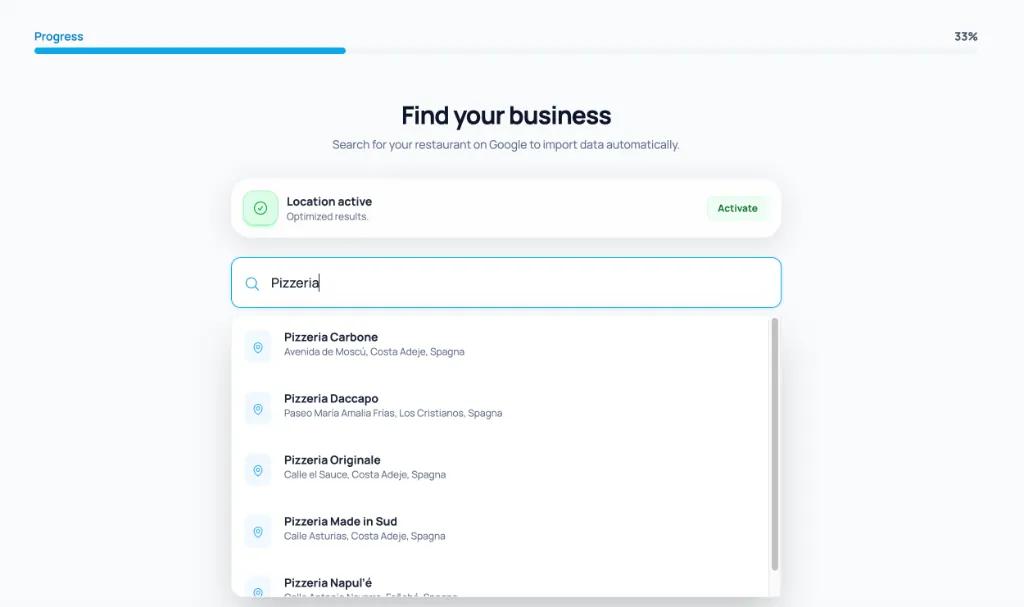
Instant Setup: AI fills everything for you
Forget tedious registration forms. Select your business and Deskbay's Artificial Intelligence will automatically collect and organize all essential information: hours, contacts, key photos, and venue description.
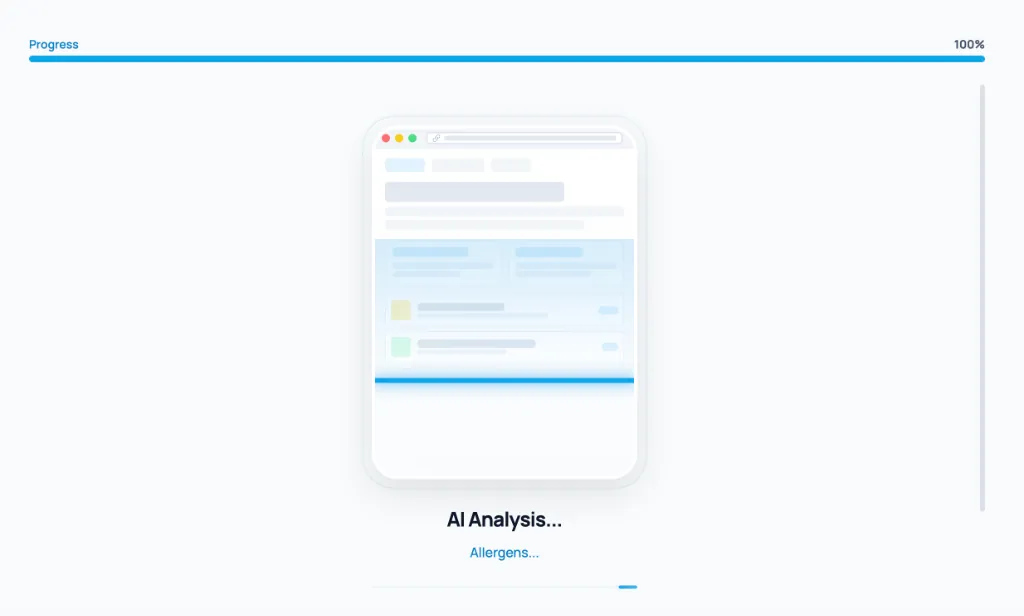
Smart Scanning: From PDF or photo to digital menu
Don't copy your dishes by hand. Upload a PDF or simply take a photo of your printed menu. Deskbay's AI scanner instantly recognizes dishes, descriptions, and prices, creating your professional digital menu in seconds along with a branded QR Code.
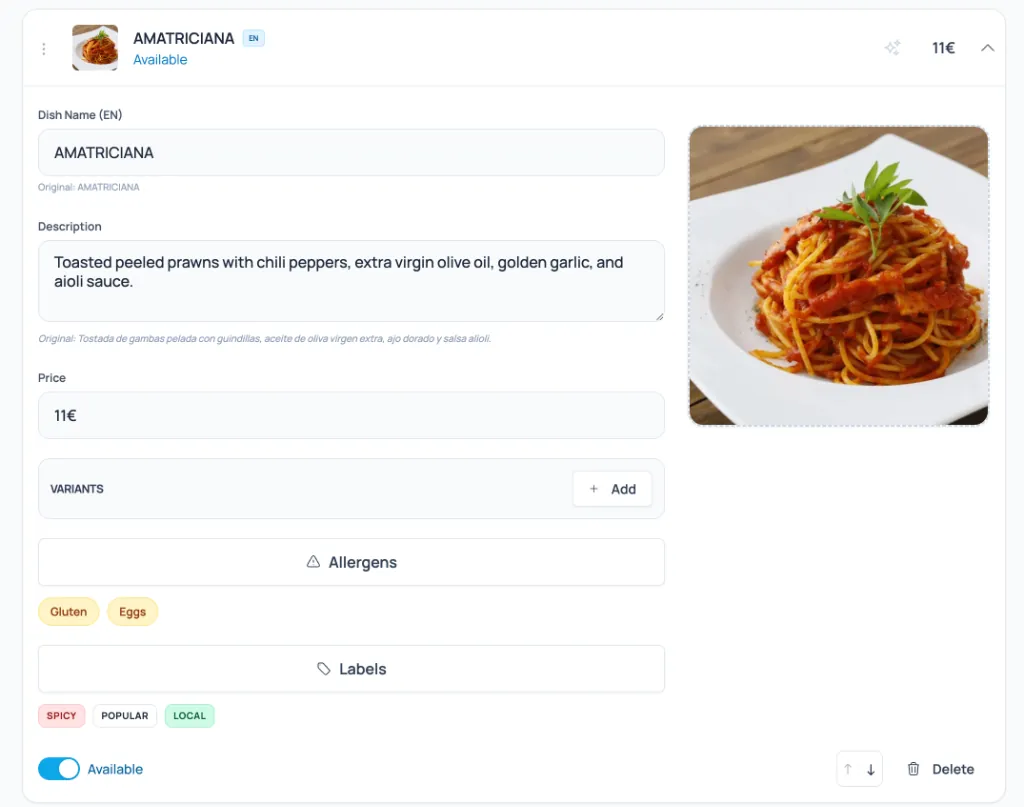
Optimization: Catch the eye
Transform a simple list into a visual experience that sells. Optimize each dish by adding eye-catching photos, assigning correct allergens, and inserting special tags (e.g., New, Chef's Pick, Spicy).
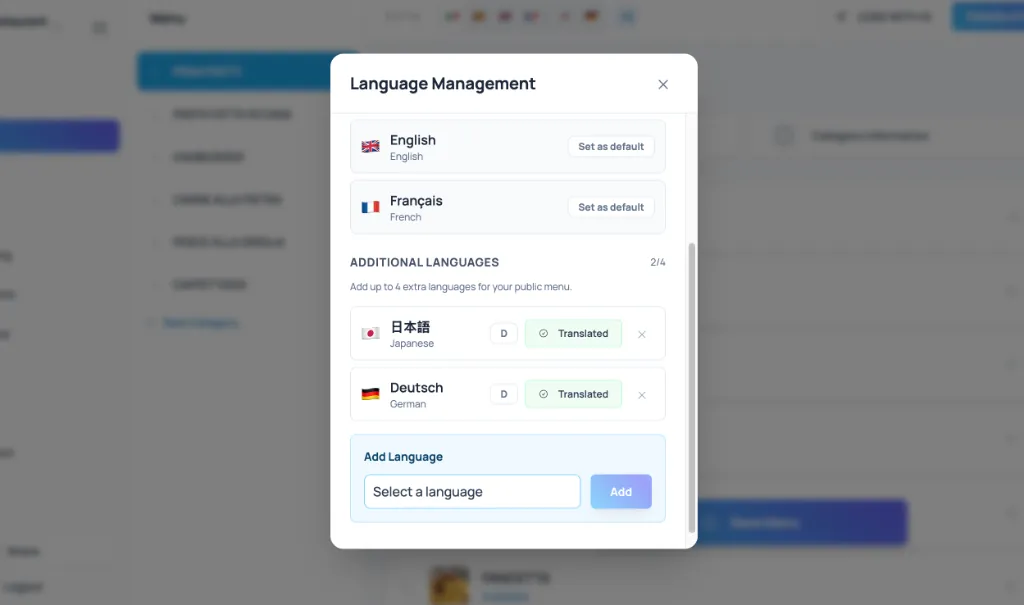
Without Borders: Global translation
Welcome guests from all over the world effortlessly. With a single click, Deskbay's algorithm translates your entire menu into the languages you need, preserving the meaning and tone of your culinary presentations.
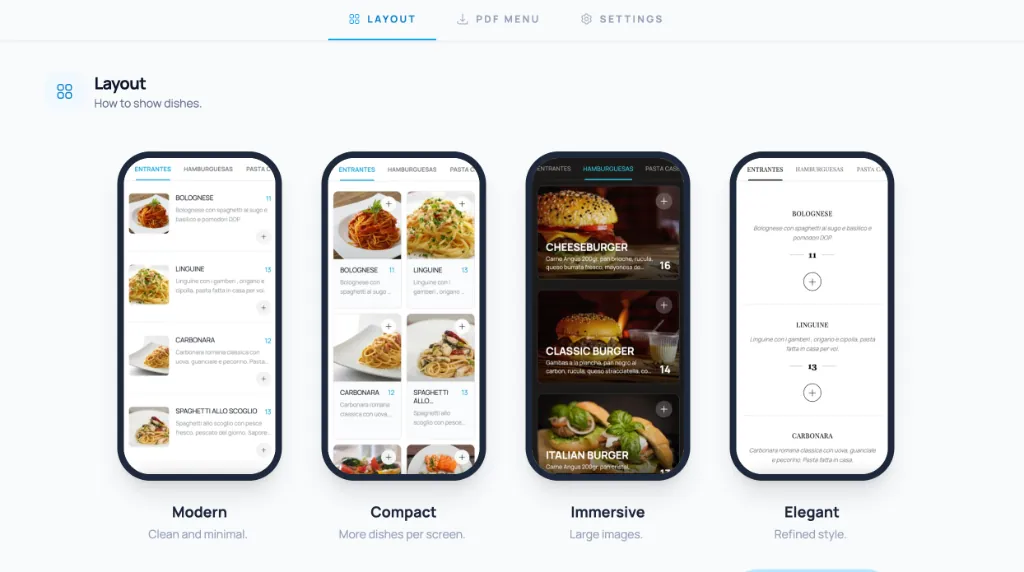
Your Brand: Layout and Colors tailored to you
Your menu should reflect your identity. Customize the look of your page by choosing elegant layouts, custom color palettes, and fonts that perfectly match your brand's style — from classic to modern.
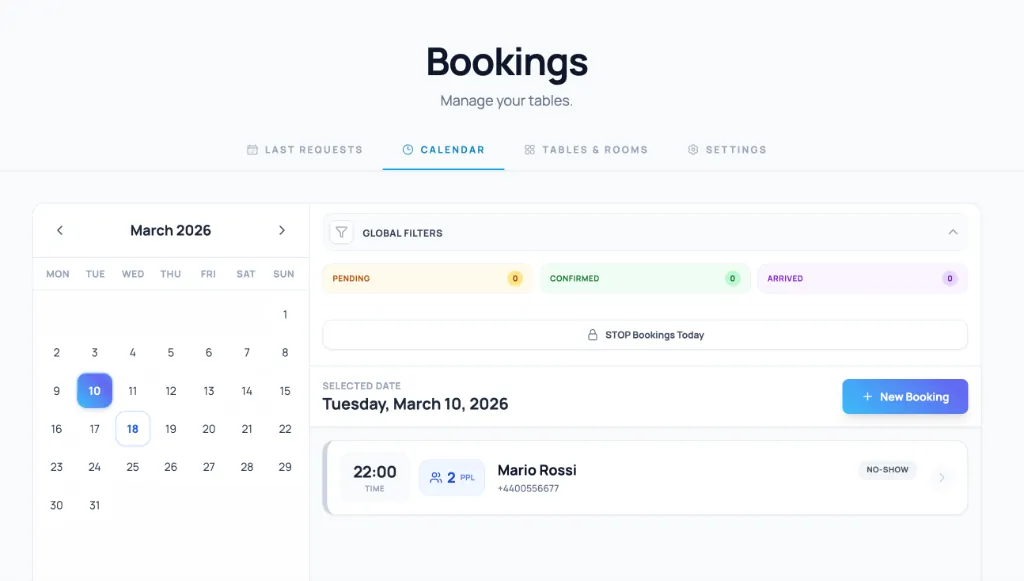
Unlimited Online Bookings: Zero Commissions, WhatsApp Notifications
Stop paying for every customer you book. With Deskbay's online booking system, you can set up rules, hours, and covers through a visual, guided wizard. Manage the calendar directly from your dashboard and receive (and send) instant confirmations via WhatsApp.
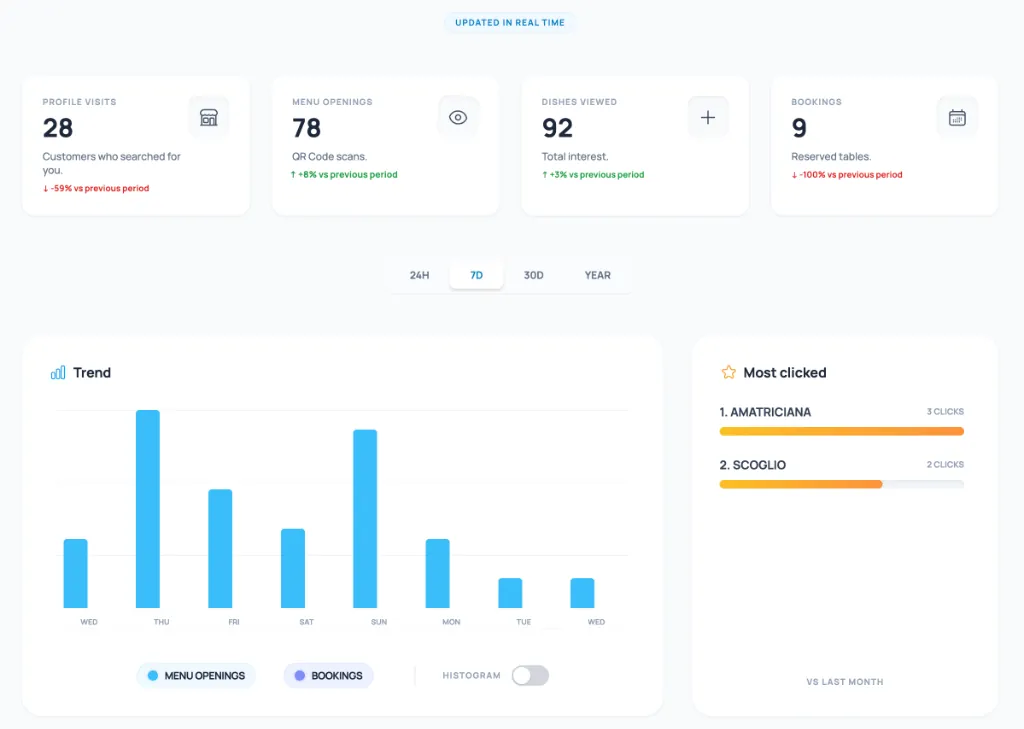
Clear Data: Analyze your statistics
Make data-driven decisions. Discover which dishes are most viewed, monitor profile visit trends, and track booking conversion rates through a simple, intuitive analytics dashboard.
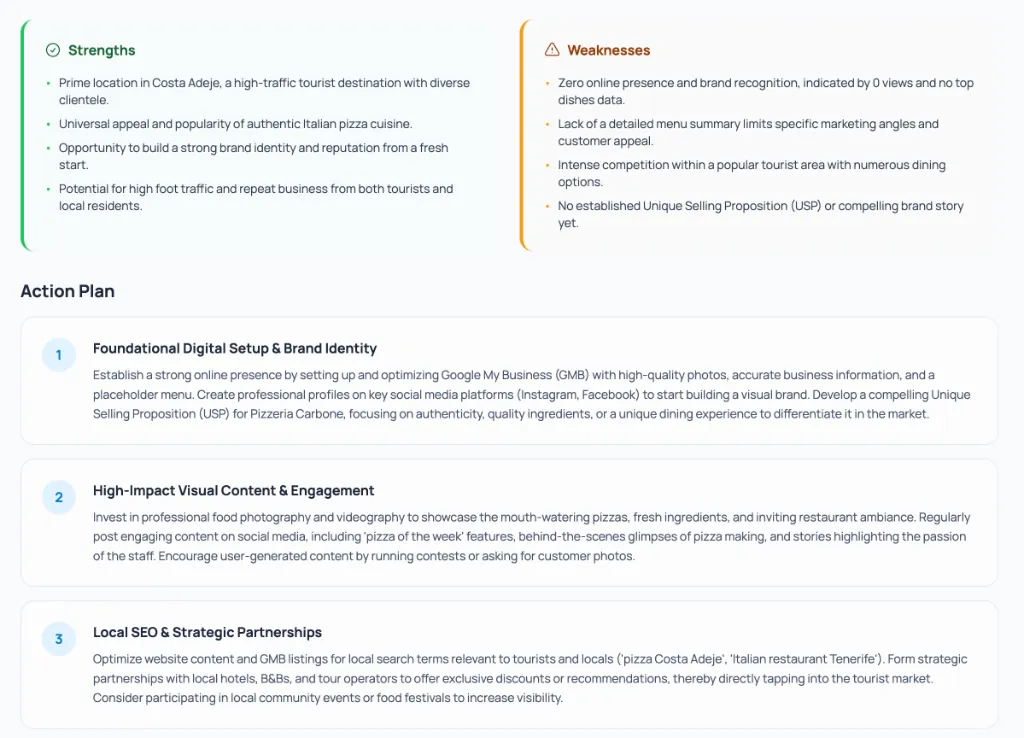
Automatic Growth: AI Marketing Strategies
Don't know what to post on social media or how to best promote your business locally? The dedicated AI assistant generates posts, strategies to boost reviews (Google Business/Tripadvisor), and campaigns to retain customers while increasing your average ticket.
Total Sync: Google Business
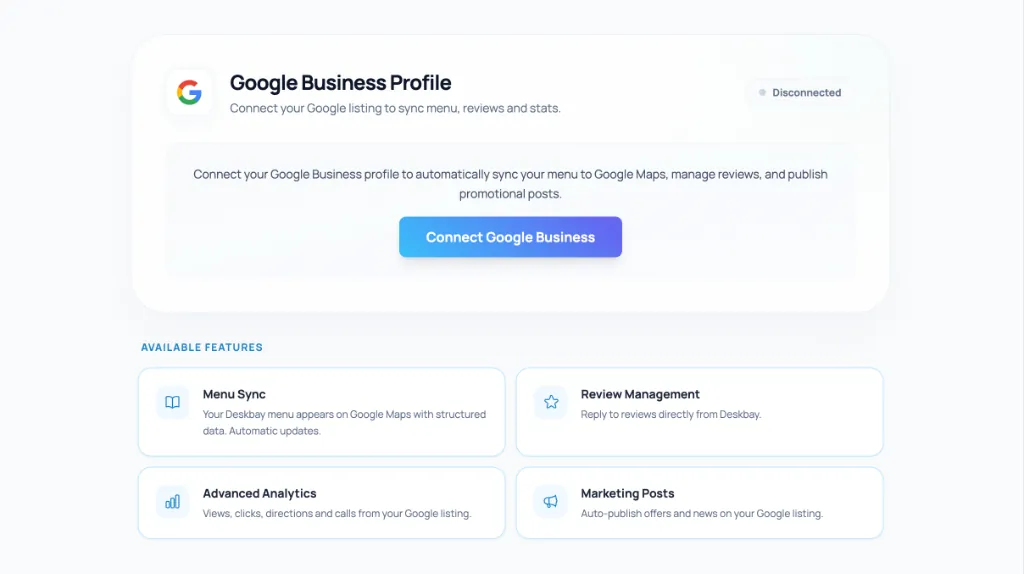
Being visible where it matters is key. Connect your Google Business account to Deskbay to sync hours, contacts, and photos in real time. Manage customer reviews and improve your map visibility without ever leaving the platform.
And Much More: A complete tool
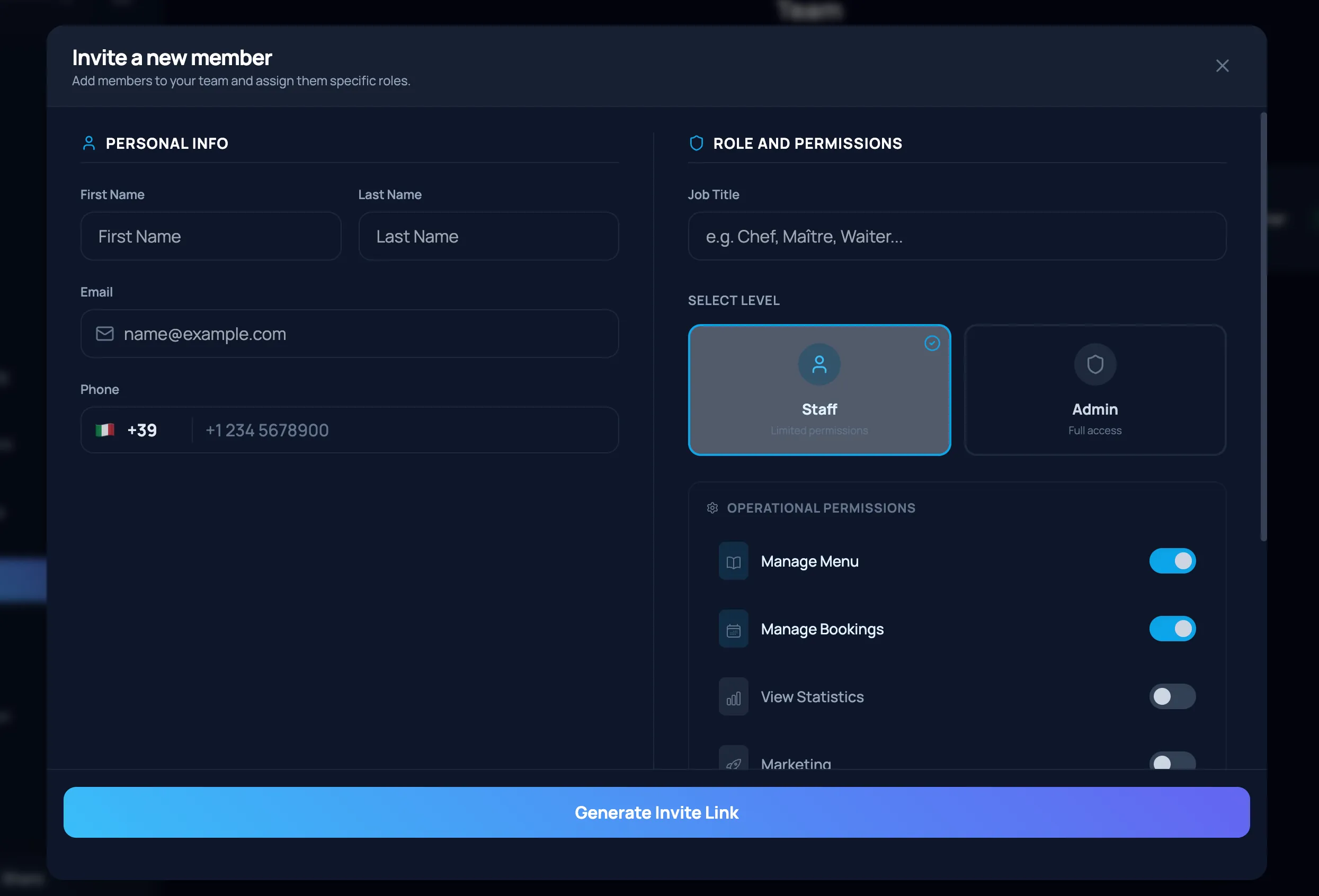
Deskbay is built for every need: from secure team management with granular permissions and daily specials promotion, to instant generation of elegant PDF menus for printing in emergencies or for more traditional customers. A solid platform for a business without surprises.
Everything in One App.
Break the routine, save time, and digitize your restaurant today with the Deskbay ecosystem.
Create Your Free Menu